A fitness progress tracker for lifts, weight and sleep
Amble’s Progress tab shows that effort adds up: sessions done out of planned, weight as a trend against your goal, each lift’s best set, and sleep and resting pulse against your usual. It counts what is still possible, and a missed week never turns red.
Weight Example data
−5.6kg since 17 Aug
9 Nov: 81.0 kg
What it does
Sessions, counted once
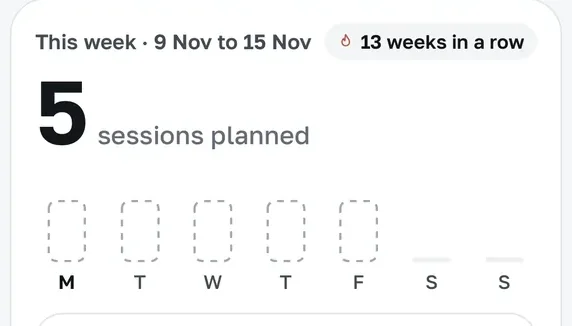
Sessions done out of planned, the same count on Home, Training and Progress. A missed week stays quiet grey.
Weight as a trend
Weight over time with your goal, and weigh-ins shown next to what you ate. One odd morning does not move the line.
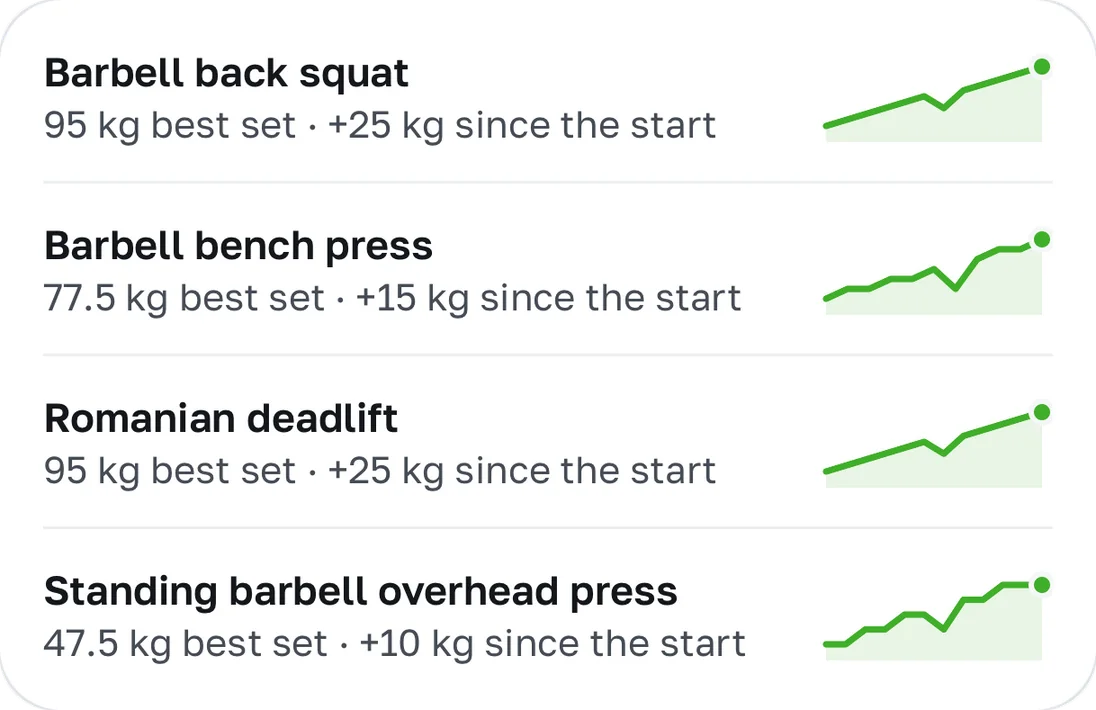
Every lift, best set
Best set, change since the start and an estimate of the most you could lift once, for each lift you follow.
Body and steps
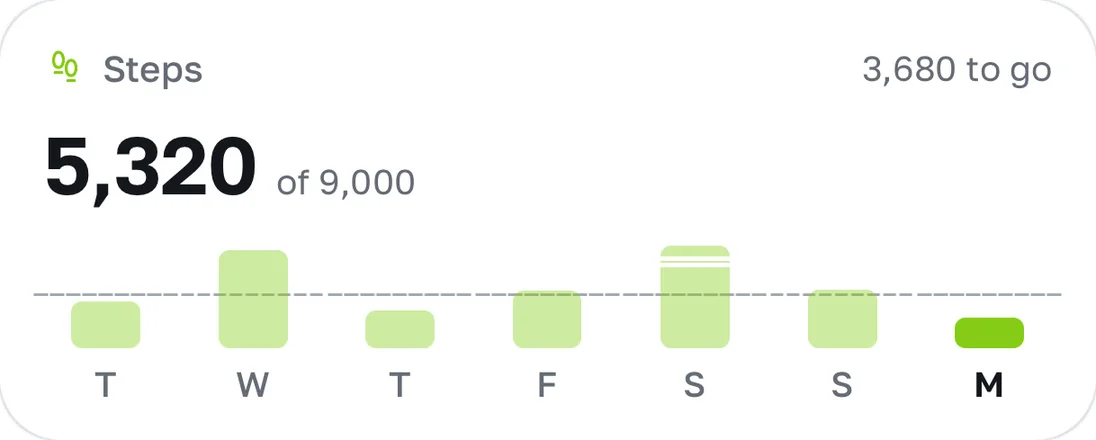
Sleep, resting pulse and HRV against your usual range, with a 7-day average. Steps show over a week against a goal based on your last two weeks.
Milestones and your own data
Milestones fill in when you reach them, and nothing can be lost. Switch between week, month and all time, and download or delete your data any time.
One app, one picture
Progress is where the other parts show up.
- Training
Every set you log adds to your lifts and your session count.
- Food
Your weight sits next to what you ate, so the trend has context.
- Recovery
Sleep, resting pulse and HRV are the same numbers you see in Recovery.
Keep reading
Other parts of Amble
Questions
How does Amble track progress?
It counts sessions done out of planned, follows your weight as a trend, tracks the best set for each lift and shows sleep, resting pulse and HRV against your usual range.
Does it track my weight goal?
Yes. Weight is shown as a trend with your goal, so a single weigh-in does not move the line.
Will it make me feel bad about missed sessions?
No. Missed days stay quiet grey, nothing turns red and the streak never shows as lost.
Can I export my data?
Yes. You can download or delete your data at any time.
See your lifts, weight and sleep in one place
Per lift: best set and change since the start. Nothing turns red for a missed week.